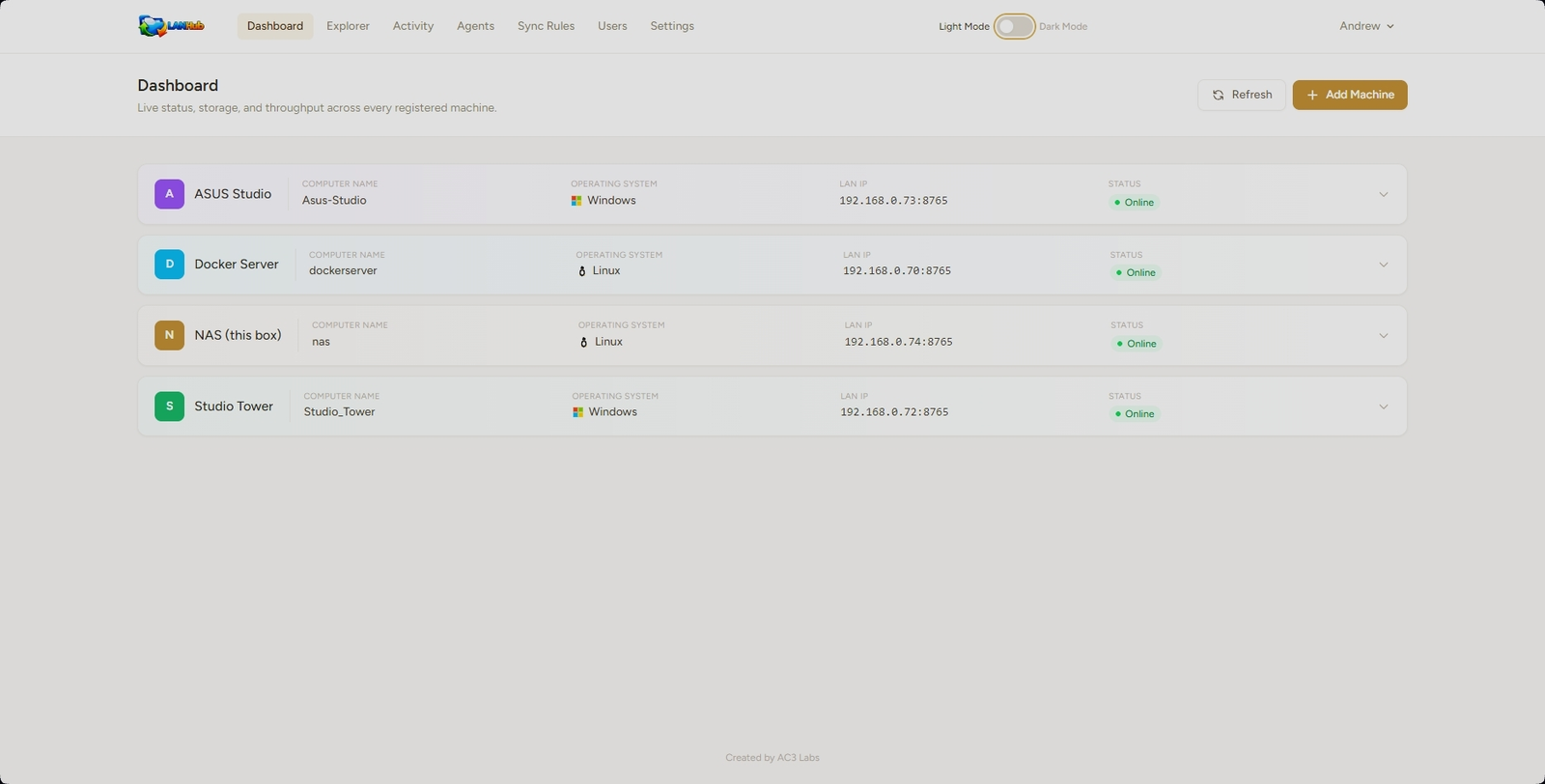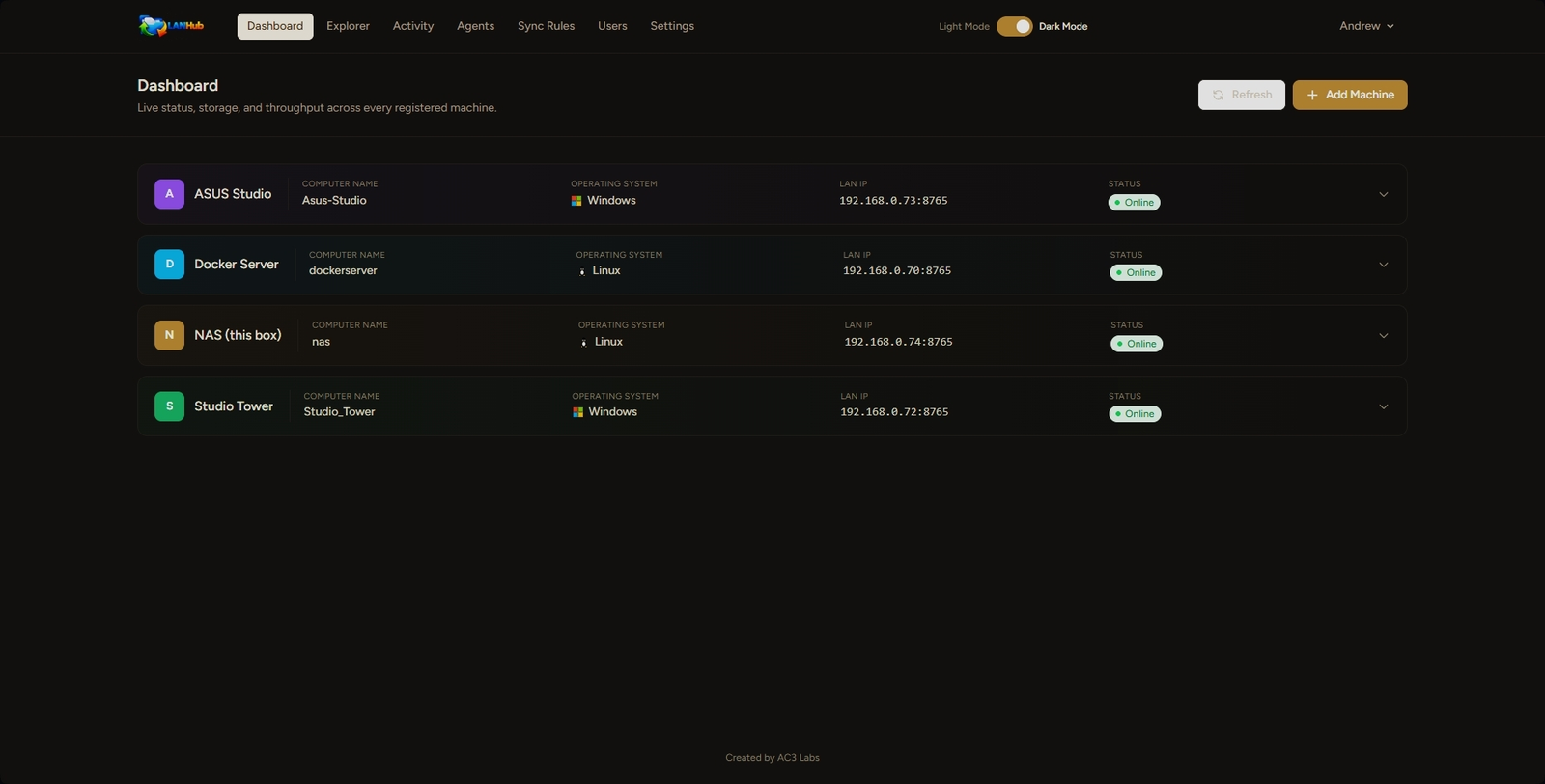
Every machine on your LAN, one browser tab.
LANHub is a private, self-hosted file explorer that replaces unreliable SMB shares. Register each computer you own, and browse, move, copy, and search across all of them — from any browser, with drag-and-drop between machines. Dark mode included, because most of this gets used at night.
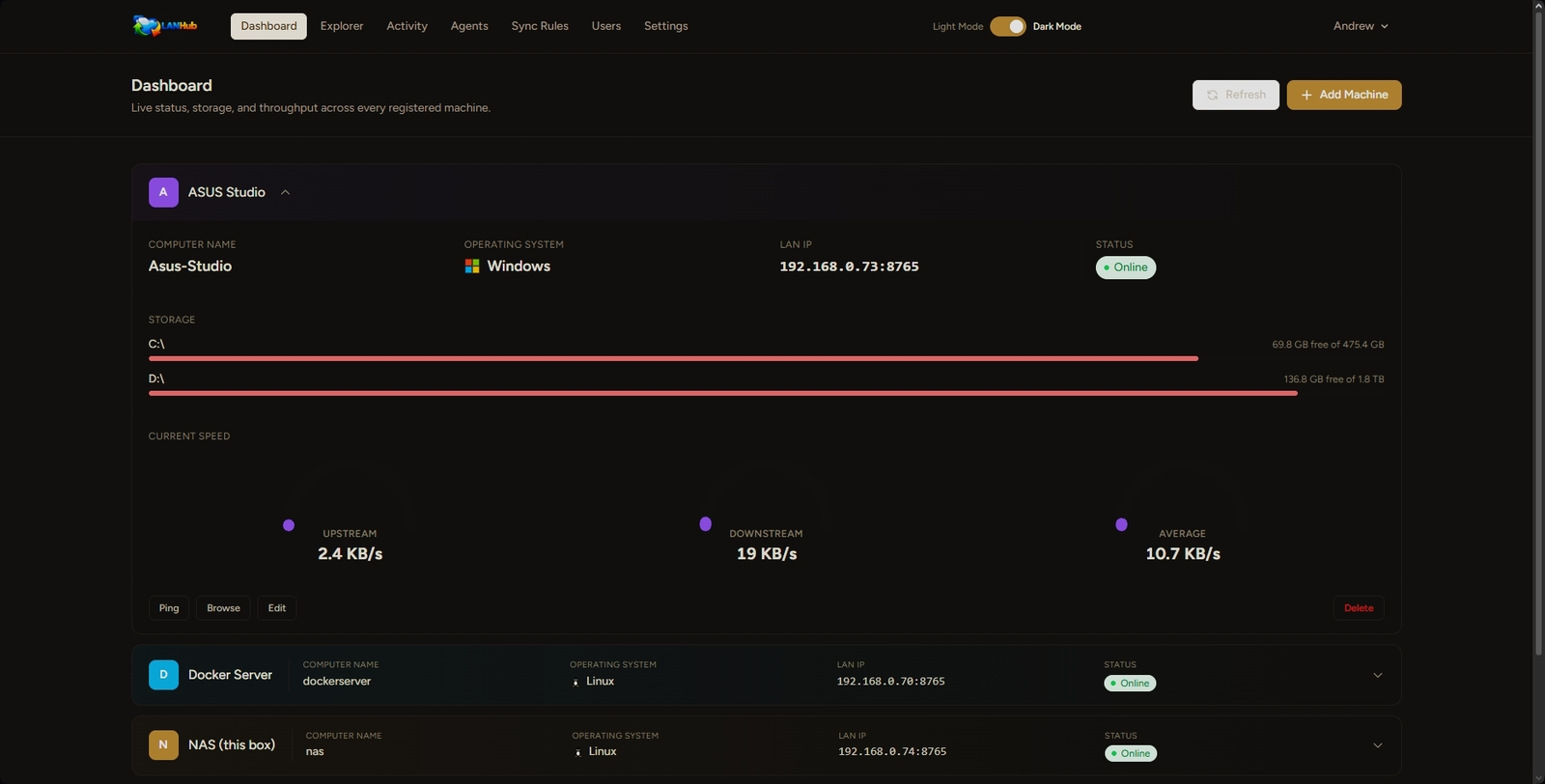
Every machine, at a glance — and in hand
The moment LANHub loads, you know exactly where things stand: which machines are online, how much room's left on every drive, and how fast each one is moving data right now. Expand any machine to ping it, jump into its files, or edit its details — no separate page required.
- Live online/offline status and free-vs-total space per drive
- Real-time upload/download speed, per machine
- Ping, browse, edit, or remove a machine without leaving the page
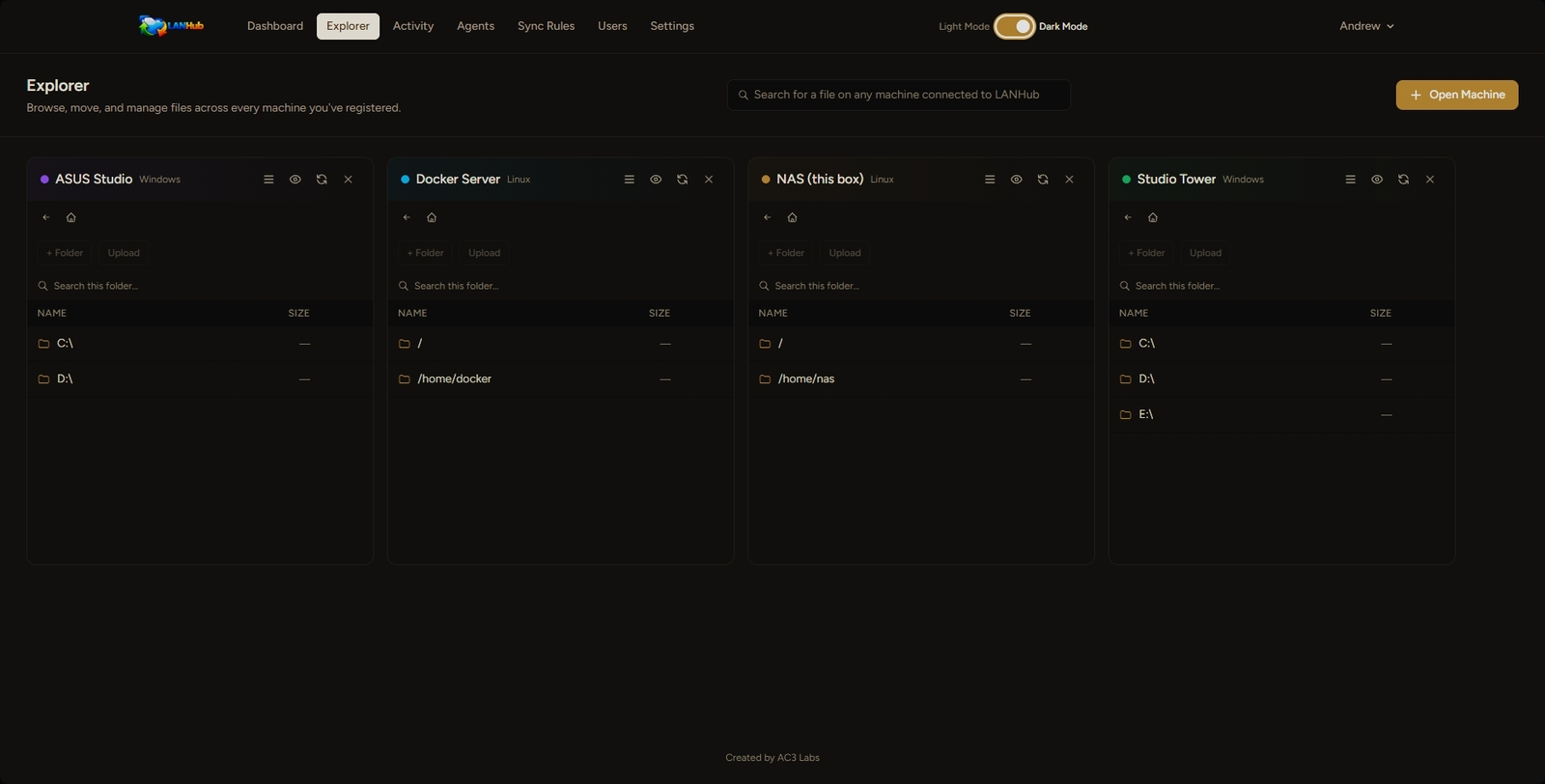
Browse them all side by side
Open any registered machine into its own pane and work across all of them at once. Drag a file from one pane to another to copy it — hold Ctrl to move it instead.
Can't remember which machine a file is on? The search bar at the top checks every machine you have access to and tells you.
- Unlimited open panes, one per machine or several on the same one
- Drag-and-drop copy/move, same-machine or cross-machine
- Search a single folder, or every machine on the network
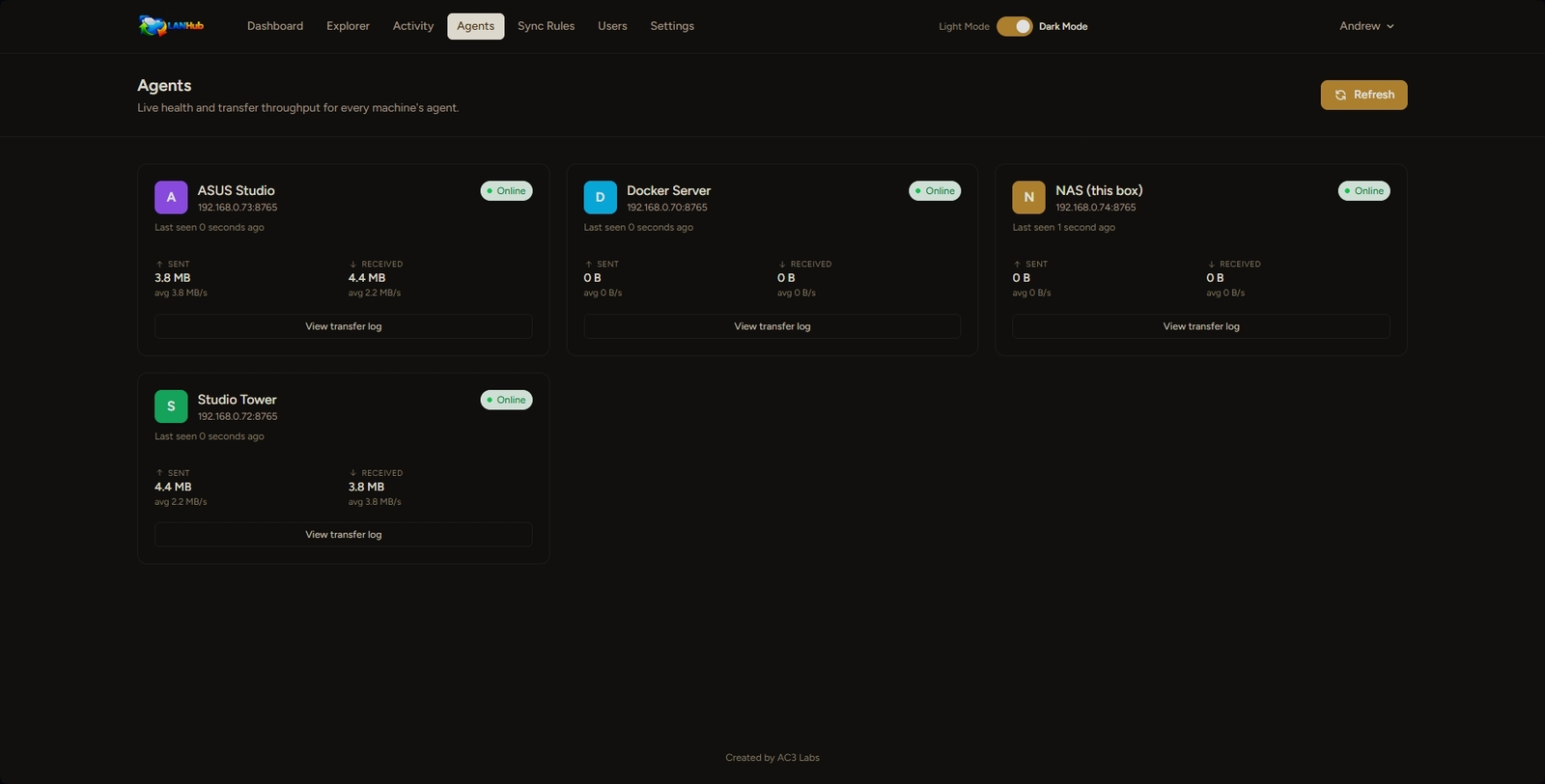
Know your agents are healthy
Every registered machine runs a small agent that talks to the hub. This page shows exactly how each one is doing — whether it's actually reachable right now, and how much data it's moved — without digging through the Activity log yourself.
- Online status and last-seen heartbeat, per agent
- Sent/received totals with a running average throughput
- One click through to that machine's full transfer log
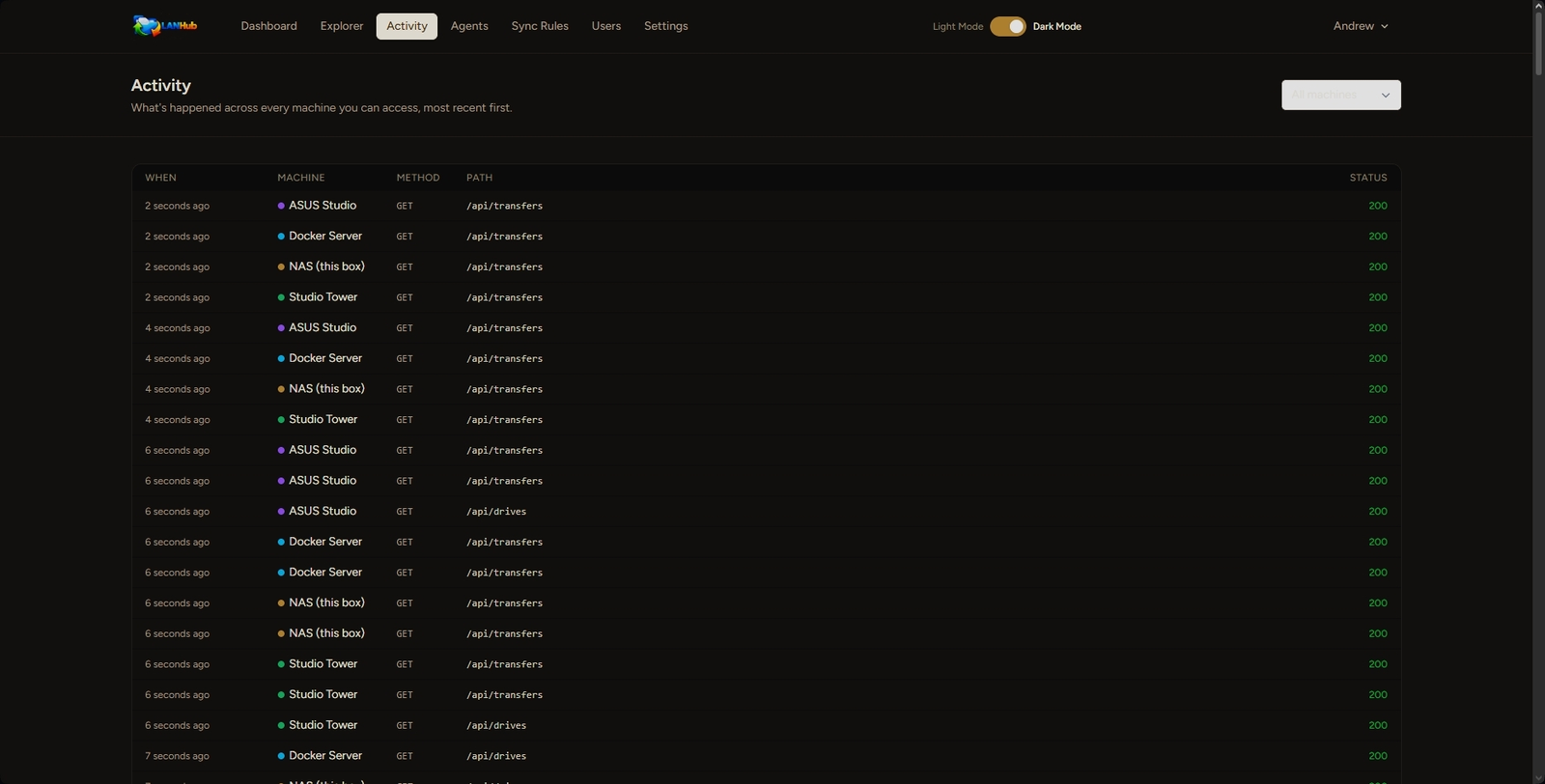
A live audit trail
Every request any machine's agent handles shows up here in real time — which machine, what method, which path, and whether it succeeded. Useful for confirming a sync ran, or catching a machine that's behaving oddly.
- Filterable by machine
- Color-coded to match each machine's tag
- HTTP status visible at a glance
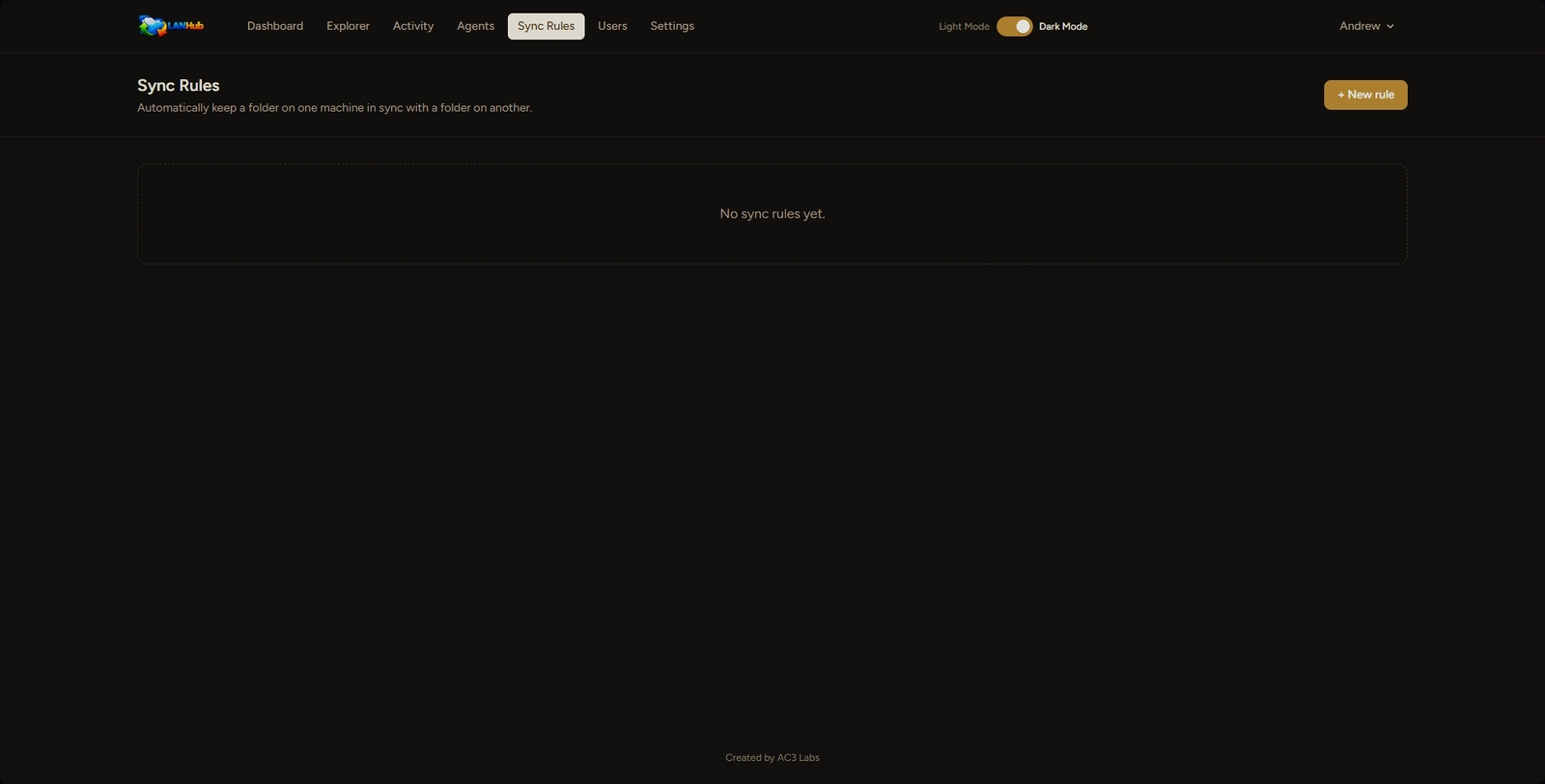
Set it and forget it
Keep a folder on one machine automatically mirrored to another — one-way or two-way, on a schedule you set. If a file changed on both ends since the last sync, LANHub flags the conflict instead of silently picking a winner.
- One-way or mirrored sync between any two machines
- Runs on a schedule, no manual trigger needed
- Conflict detection before anything gets overwritten
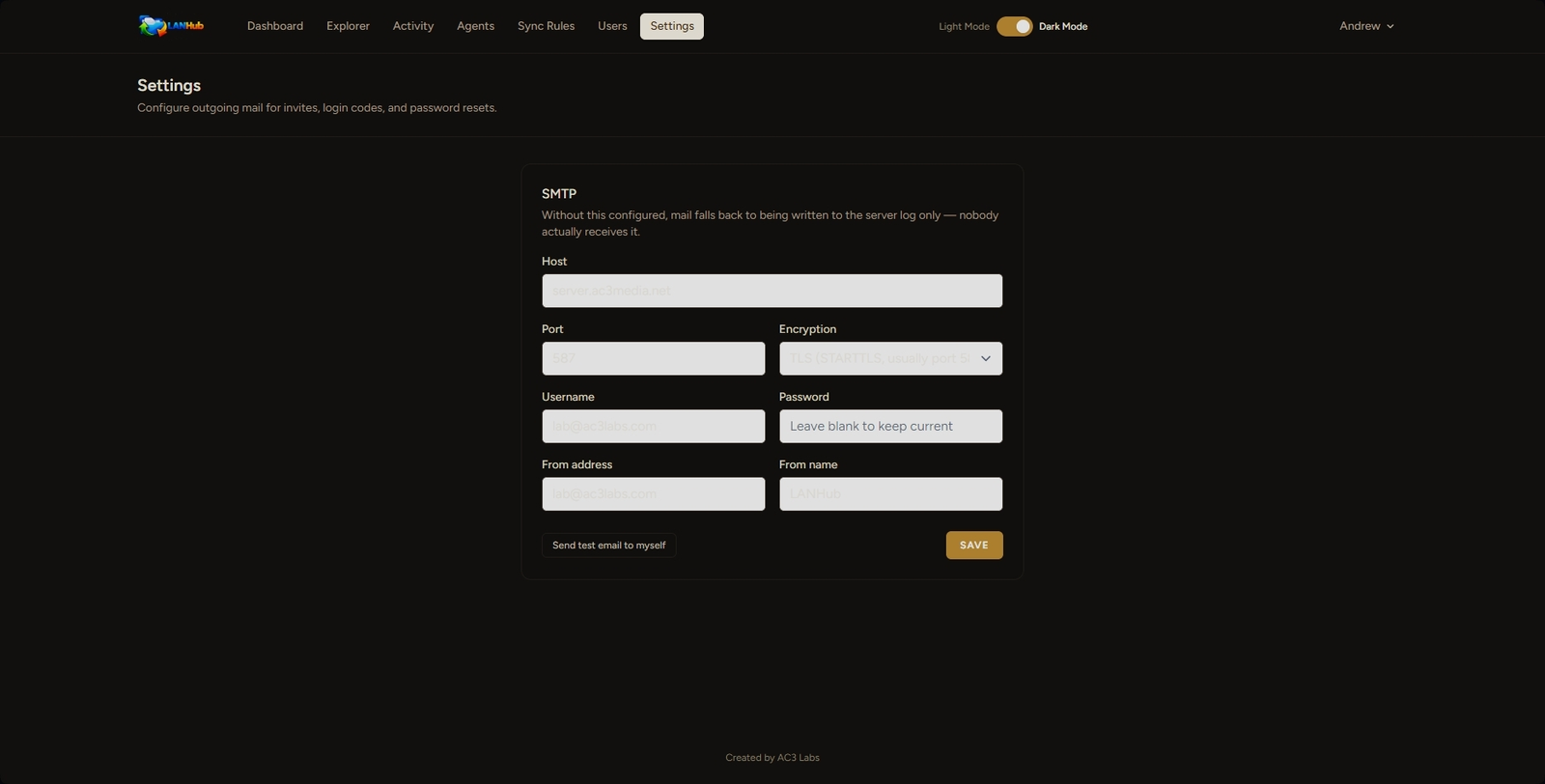
Mail that just works
Configure outgoing SMTP once from Settings, and invites, 2FA login codes, and password resets start actually landing in inboxes — instead of being written to a server log nobody reads.
- One form, no .env editing or server access required
- Test button sends a real email to yourself before you rely on it
- Takes effect immediately — no restart needed
Easy on the eyes, day or night
Flip the switch in the top nav and the whole interface follows — dashboards, file panes, logs, everything. Your choice is remembered, so it's there again next time you open the tab.
- One-click toggle in the navigation bar
- Applies instantly across every page
- Remembered per-browser, no account setting needed